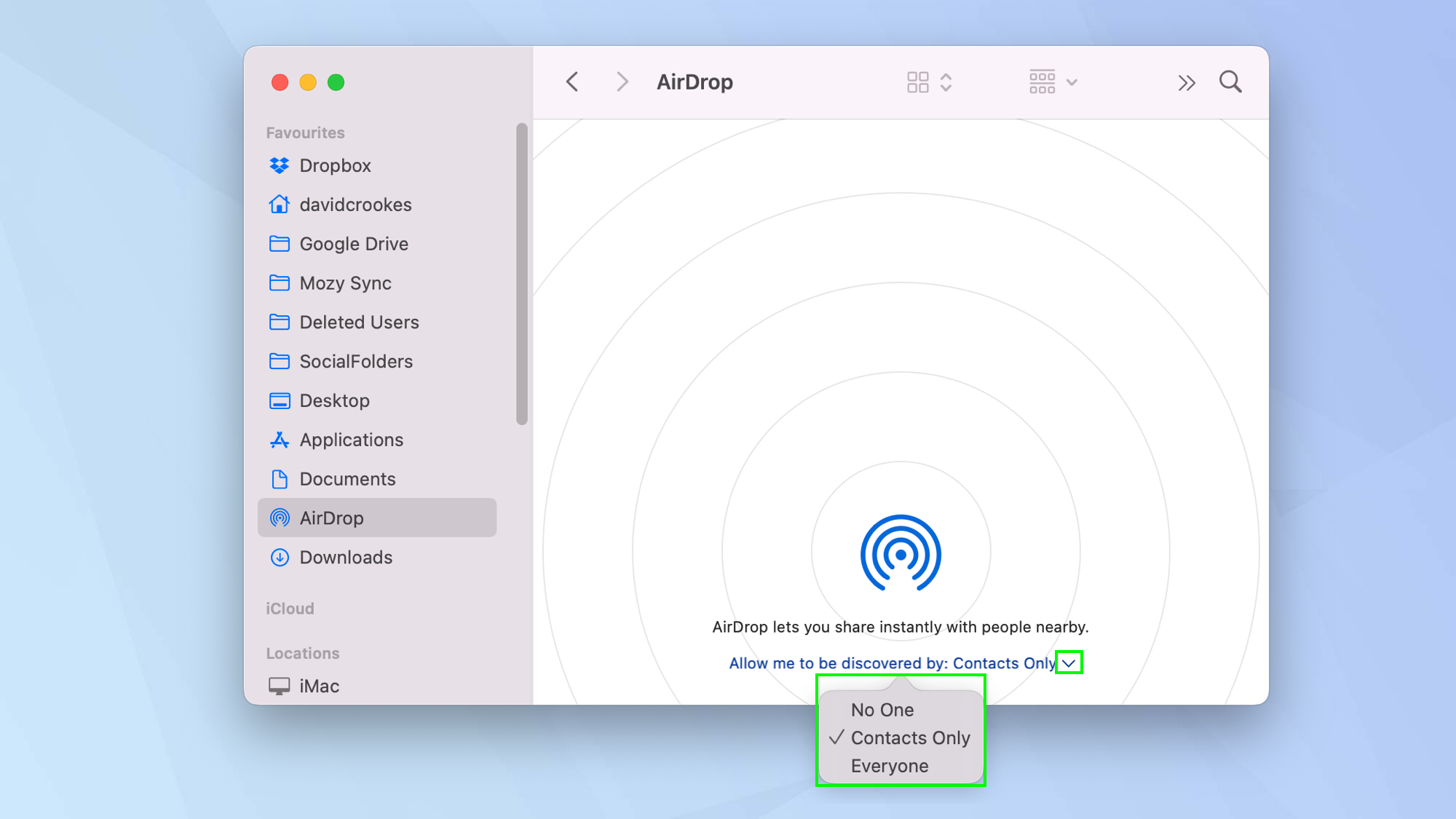
On a Mac, the AirDrop portal is tucked inside the Finder—Apple’s file browser that looks like a smiling blue face. Open a new Finder window (click the icon in your Dock) and look for AirDrop in the left-hand sidebar. If you don’t see it, go to the top menu, click Finder > Settings > Sidebar, and check the box next to AirDrop.
Once you click that sidebar option, your Mac starts scanning the room like a friendly robot detective. A window will pop up showing nearby devices that are “visible” and ready to receive. It’s a little like looking at a radar screen, but instead of submarines, you see your friend’s iPhone or your iPad.
Pro tip: If you don’t see any devices, don’t blame the Wi-Fi right away. Make sure both devices have Bluetooth turned on and Wi-Fi active. They don’t need to be on the same network, which is the secret sauce—AirDrop creates its own tiny, temporary network between the two devices.
The Visibility Trio: Everyone, Contacts, or Receiving Off
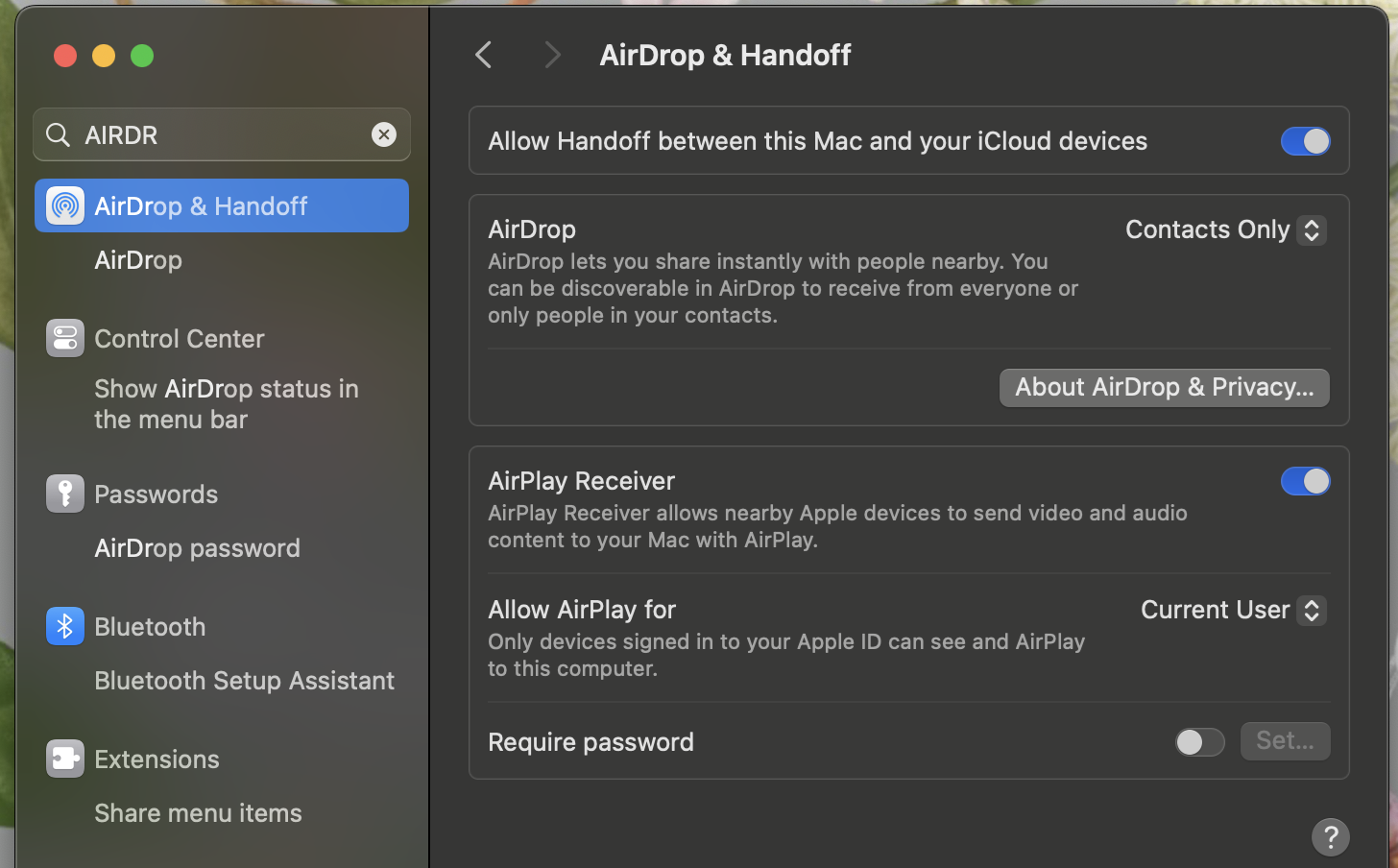
This is where most people trip up. Your Mac can be set to “Discoverable by” three different groups. Everyone means any Apple device nearby can see you—great for parties or sharing a quick file with a stranger at a coffee shop. Contacts Only means only people in your iCloud Contacts list can see you.
The default setting is often “Contacts Only,” which is why your mom can never find you. If you’re trying to send a file to a friend and they can’t see you, tell them to switch to Everyone for a moment. It’s a social dance of digital proximity. Once the transfer is done, you can switch it back for privacy.
You can find this setting right inside the AirDrop window, at the bottom, labeled “Allow me to be discovered by:”. It’s a small dropdown, but it controls the entire vibe of your sharing life.
 How to use AirDrop on Mac | Tom's Guide
Fun little fact: AirDrop was originally developed by Apple engineers who wanted to replace the clunky process of exchanging files via email or USB drives. They named it “AirDrop” as a nod to the act of airdropping supplies from an airplane—except here, it’s cat photos and PDFs.

