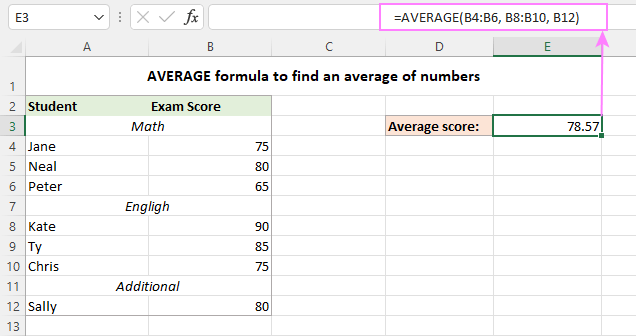
Meet AVERAGEA. It’s the wild cousin of regular AVERAGE. It counts text and logical values like TRUE and FALSE. Yes, it treats the word “banana” as a number. Why? Because Excel is a little drunk on power.
If your data has mistakes like “N/A” or “unknown,” AVERAGE ignores them. But AVERAGEA? It turns “N/A” into a zero. Your average suddenly tanks. Hilarious. And dangerous.
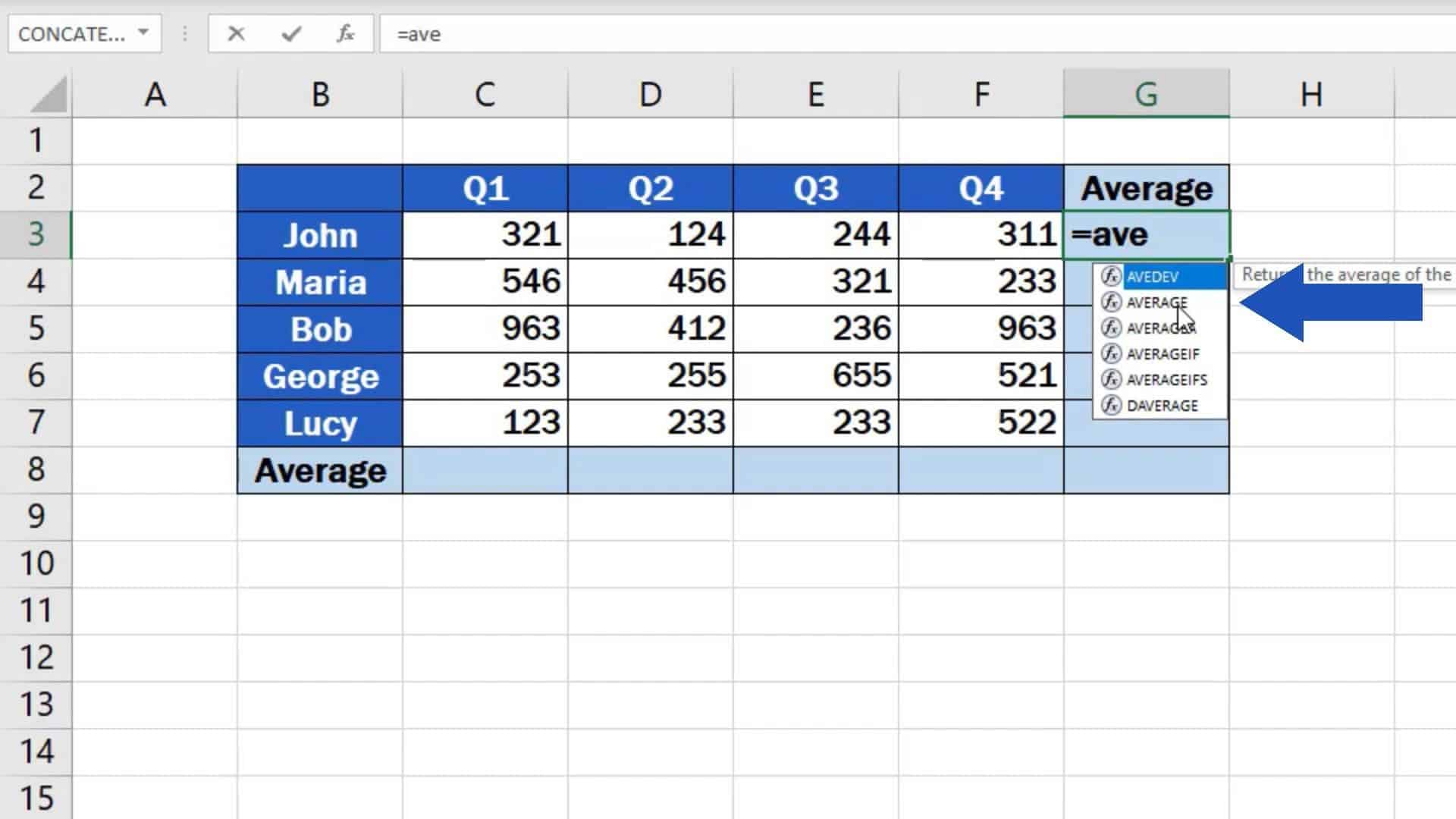 How to Calculate the Average in Excel
Use AVERAGEA only if you enjoy chaos. Or if you’re pranking a coworker. Don’t say I didn’t warn you.
The Empty Cell Conspiracy
Did you know Excel treats empty cells differently from zeros? True story. An empty cell is invisible. A zero is a real, breathing number. So an average of {5, 10, empty} is 7.5. But {5, 10, 0}? That’s 5.0. Same data, different universe.
This is why your boss’s spreadsheet might show a “great average” that’s actually a lie. Empty cells are sneaky. Fill them with zeros if you want the truth. Or don’t. Let the confusion reign.
Challenge a friend: “What’s the average of 2, 4, and a blank cell?” Watch them squirm. Excel victory!

