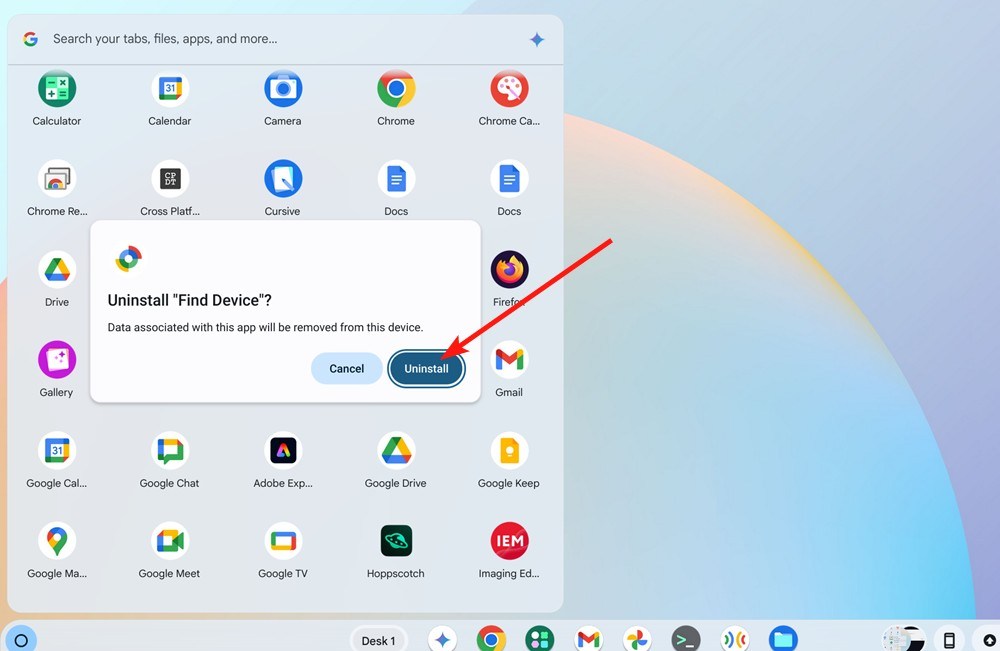
If the right-click method fails—and it will, because Chrome enjoys watching you suffer—you need to go deeper. Click the three dots at the top right of your browser (the “hamburger of mystery”) and navigate to Extensions. Wait, that’s for extensions. For actual Chrome apps, you need to type chrome://apps into your address bar. It’s like entering a secret cheat code, except the prize is a cleaner browser, not infinite lives.
Inside chrome://apps, you’ll see a grid of icons that look like they were designed in 2010. Right-click on any app and select “Remove from Chrome.” A popup will ask if you’re sure—say yes, because you’re the boss of your own computer, even if it doesn’t always feel that way. Fun fact: You can also drag apps into the trash can icon that appears at the bottom of the screen. It’s oddly satisfying, like dropping a full garbage bag into a dumpster.
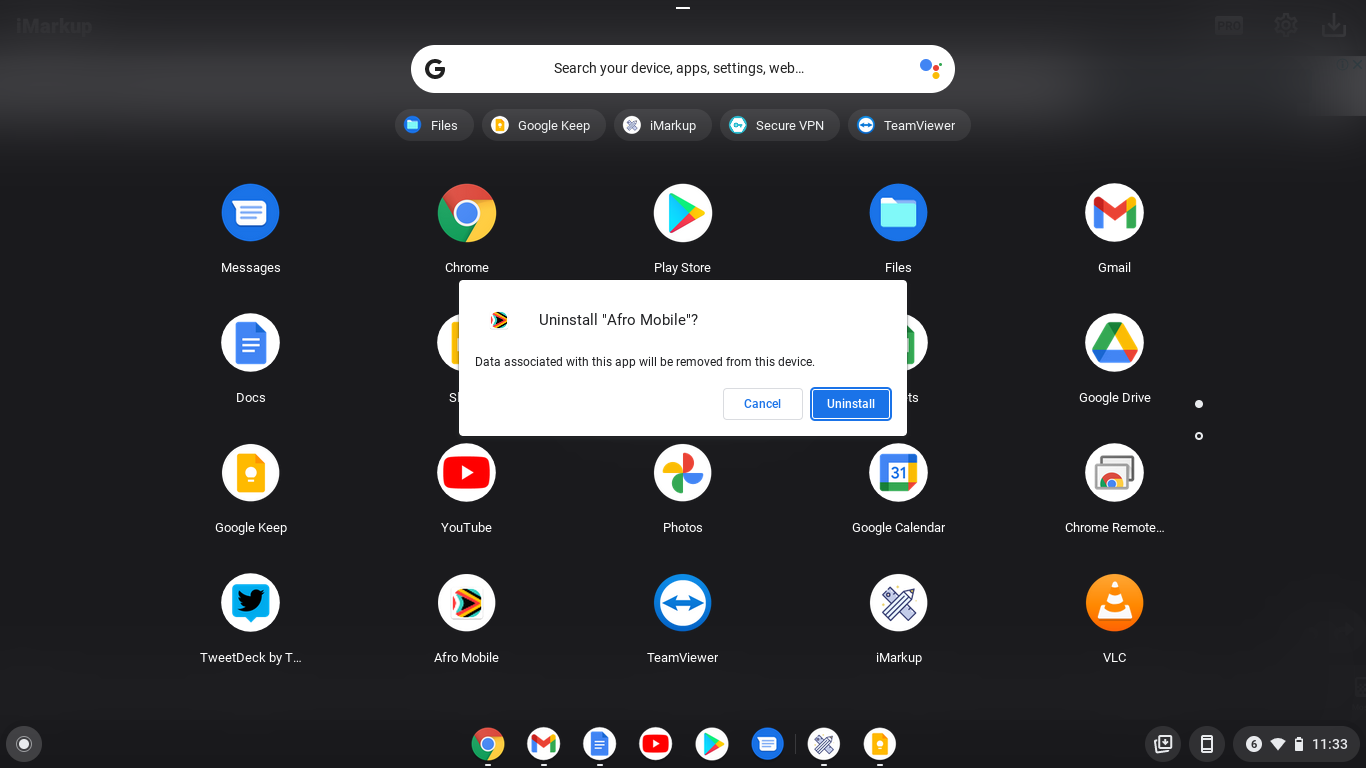 How to Delete Apps and Extensions on Your Chromebook - Dignited

