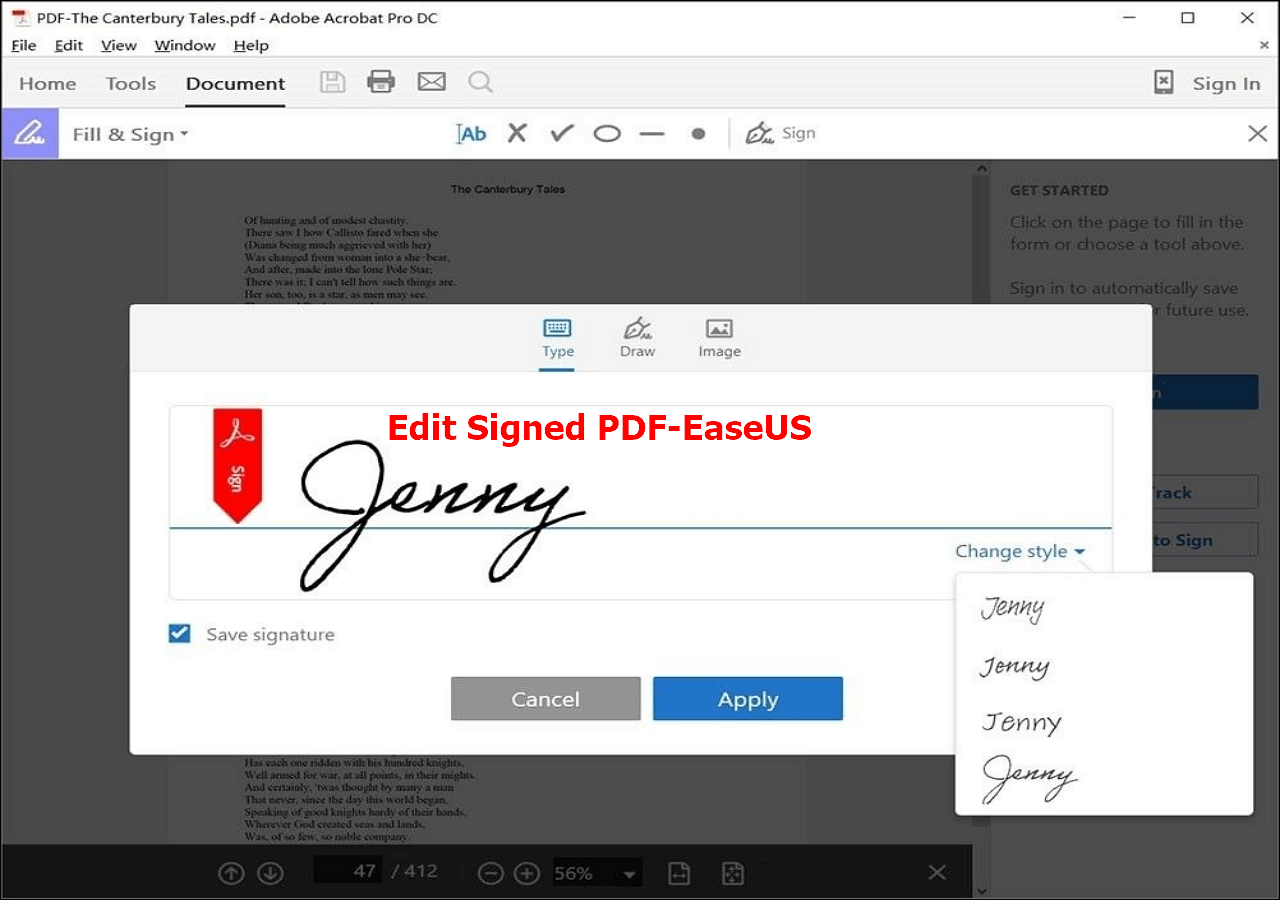
Sometimes, you’re dealing with a certified digital signature. These are the super-secure ones used by lawyers and banks. Trying to edit one of those is like trying to open a bank vault with a toothpick. In that case, don’t do it yourself. Ask the sender to send a fresh copy.
But for 90% of everyday life—the rental agreement, the job offer letter, the school form—you’re good to go. You have the power. It’s a small skill that makes you feel like you’ve unlocked a secret level in the game of adulthood.
A Little Story to Stick With You
Imagine you’ve baked cookies for a bake sale. You carefully sign your name on the ingredient card, but then notice you wrote “cholocate” instead of “chocolate.” You don’t throw the cookies away, do you? No. You grab a pen, scratch it out, and write it correctly. That’s editing a signed PDF. It’s practical, it’s smart, and it keeps the cookies—or the contract—from going to waste.
So next time a signed PDF comes back with a request to “just fix one little thing,” don’t fret. Smile. Open your laptop. You’ve got this. Go be the easy-going hero of your own paperwork. Your future self—and your untangled earphones—will thank you.

