We've all been there - you're in the middle of an important project, and suddenly your screen freezes or goes black. You try to frantically click and scroll, but nothing happens. It's like your computer has gone into hibernation mode, and you're left wondering what to do next.
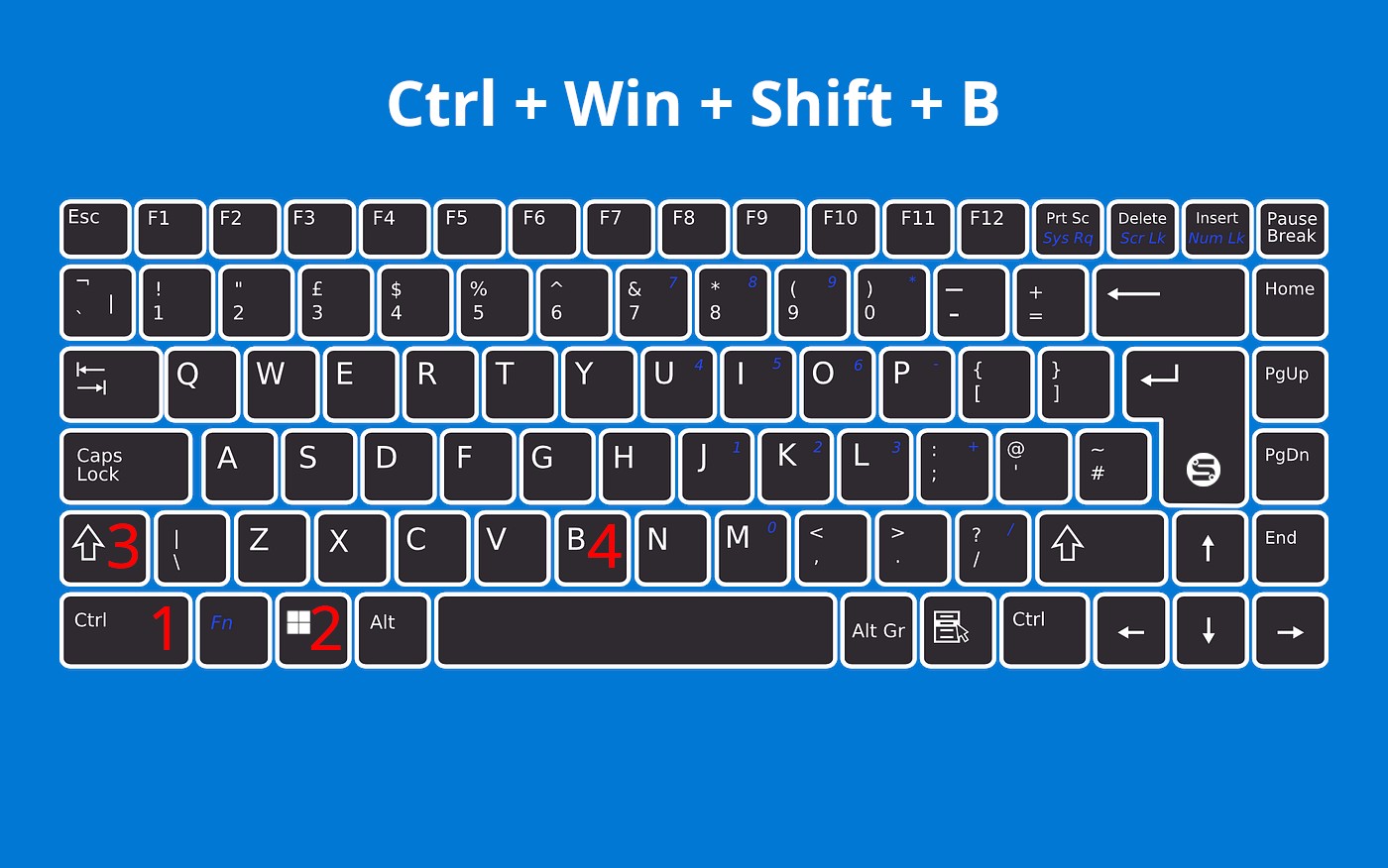
In those moments of tech-induced panic, it's easy to feel like you're losing control. But fear not, friends! The Ctrl + Shift + Windows + B shortcut is here to save the day. By pressing these four keys, you can reset your graphics driver and get your screen back up and running.

