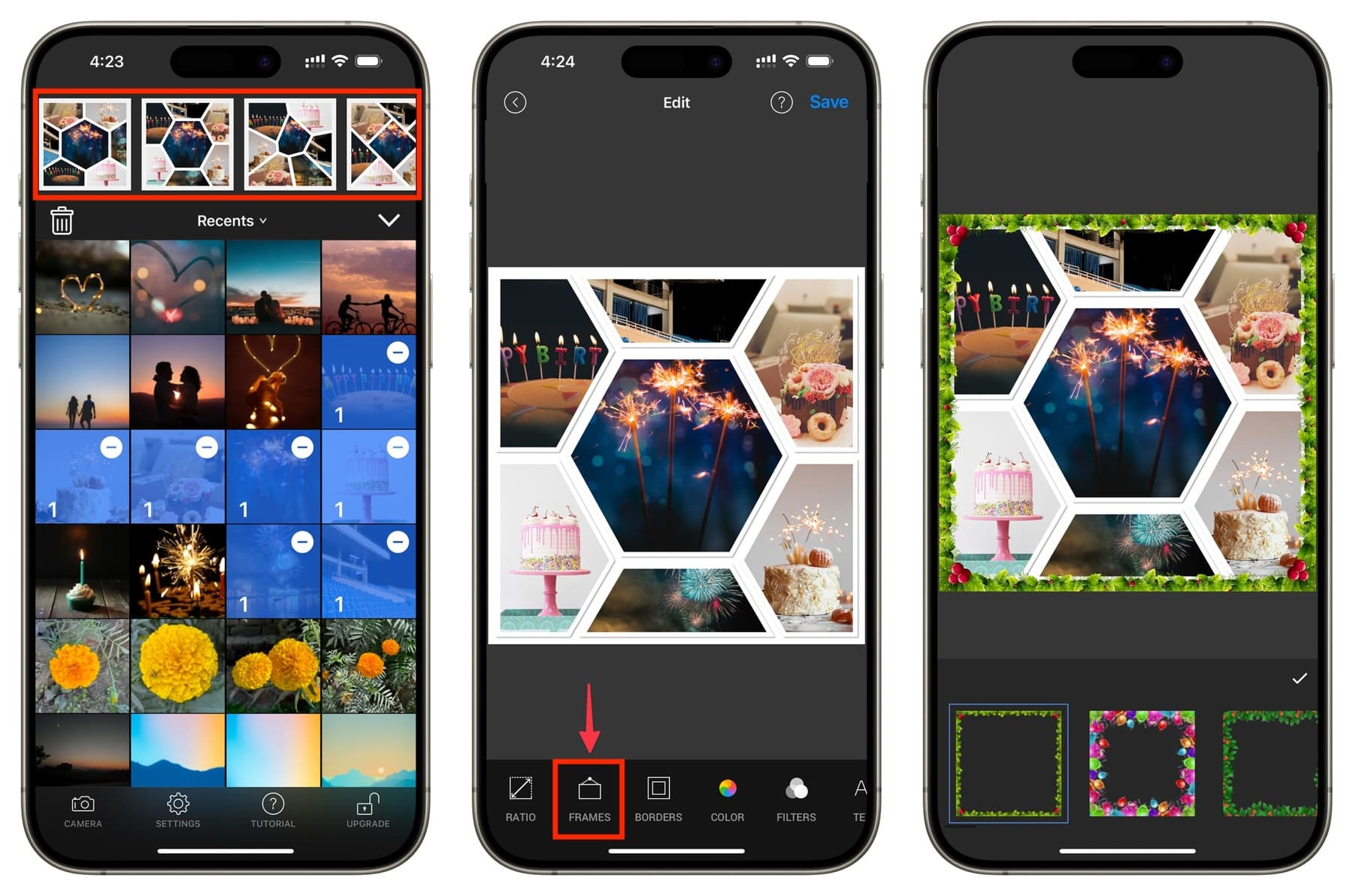
Here’s where it gets fun. Forget perfect grids. Overlap your images—let a flower petal creep over a friend’s shoulder. Use the eraser tool in apps like PicsArt to cut out subjects and float them over a textured background. It’s like making a zine with your thumb.
Cultural reference: remember the chaotic, paper-cut aesthetics of Raygun magazine or the Post-It note walls of early 2000s bedrooms? That energy lives in your phone now. Layer a photo of your dog over a screenshot of a sunset, then scribble a lyric from Lana Del Rey in white text. The result? Authentic, unpolished, you.
 How to make photo collages of different styles on iPhone or iPad
Practical Tip: Backgrounds & Color
Your background isn’t just leftover space. Use the camera to photograph a piece of marble countertop, a page from a book, or your own jeans. That texture becomes the soul of your collage. Alternatively, use the solid color tool in Canva and pick a tone from your main photo—it creates instant visual harmony.
Fun fact: in 1912, Picasso and Braque started gluing newspaper into their paintings, inventing paper collé. You’re basically doing that, but with a double-tap. The irony is delicious—you’re using the most modern tool to revive one of art’s oldest techniques.

