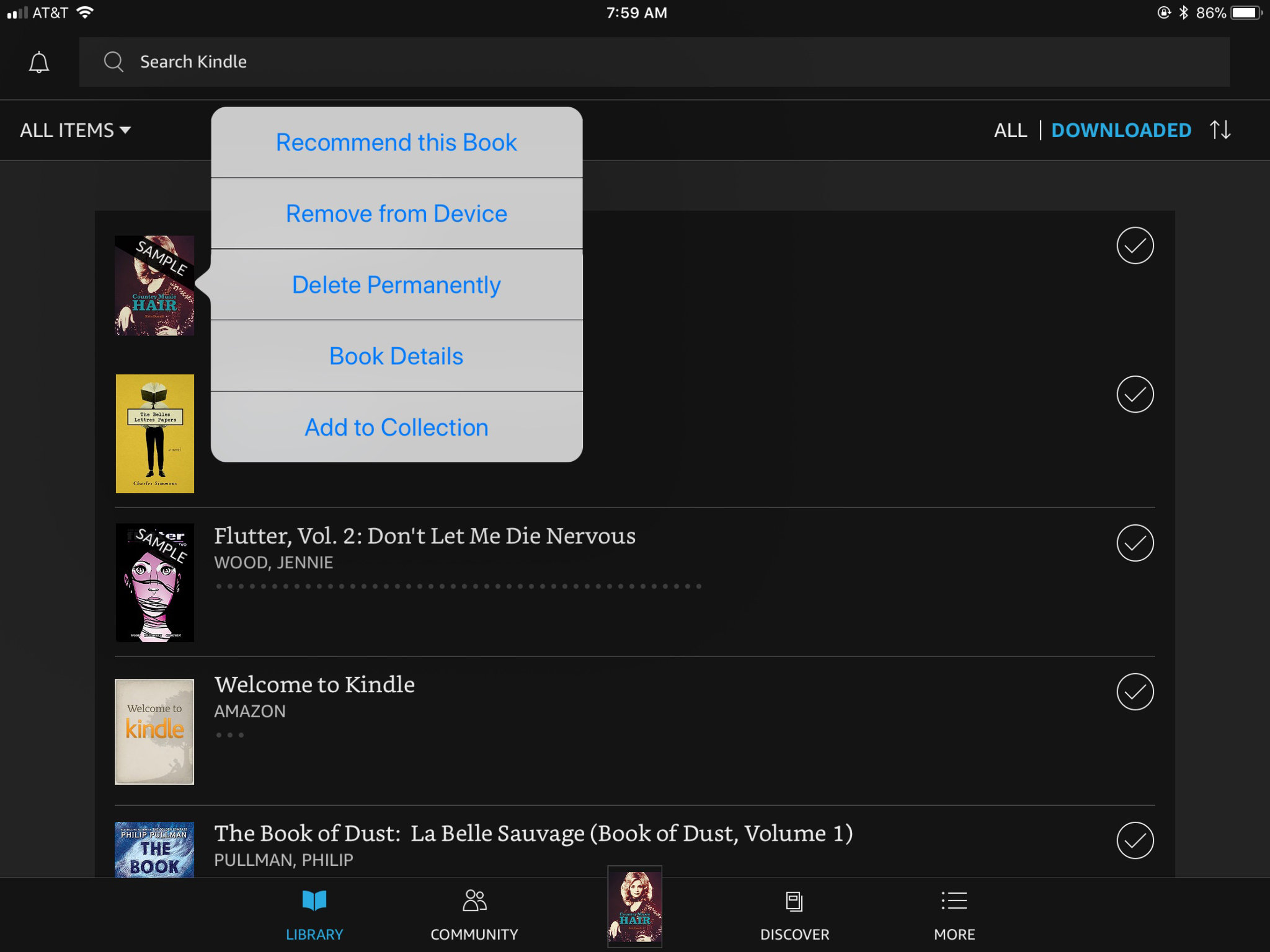
Sometimes, you need to call in the big guns. Open a browser on your phone or laptop and log into Amazon.com. Go to “Your Account” > “Manage Your Content and Devices.” This is the control room for your digital life.
You’ll see every book you’ve ever bought or downloaded—yes, even that weird one from 2015. Click the “Actions” button next to the book you want to kill. Hit “Delete”. Amazon will ask, “Are you sure?” Click yes, and poof—it’s gone from your account entirely. No cloud, no trace.
Important note: This is the nuclear option. Once you delete a purchased book from your Amazon account, you can’t re-download it for free. So only nuke the books you truly know you’ll never read again. If in doubt, just remove the download.

