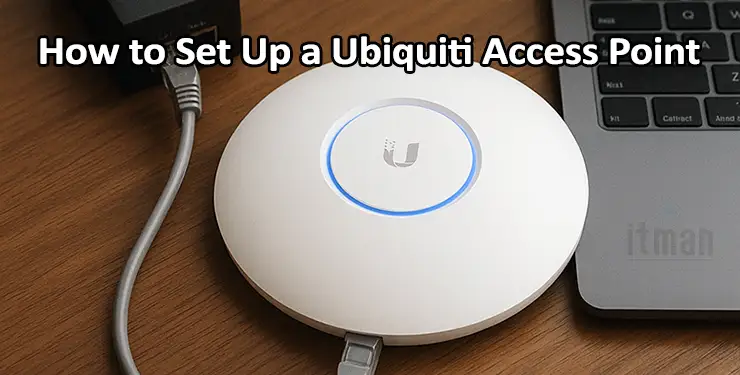
Plug the Ethernet cable from your modem or router into the PoE injector’s “LAN” port. Then run a second cable from the injector’s “PoE” port to your access point. Give the injector power. Your AP will light up like a ghost—soft white, then pulsing blue. That’s the “adoption dance.”
Open the UniFi app. Create a Ubiquiti account (or log in with your Google ID). The app will scan your local network like a friendly bloodhound. When it sees your AP, it will ask: “Adopt this device?” Tap yes. This is the moment. It feels like signing a digital birth certificate for your Wi-Fi network. Don’t overthink it.
Pro tip: Keep the AP within 3 feet of your router during initial setup. Once it’s configured, you can move it to its permanent home on the ceiling or a bookshelf. Ubiquiti units are surprisingly forgiving of long cable runs. They’re the extroverts of the tech world—they reach out and connect.

