
YouTube is the worst offender. You watch one video about fixing a squeaky door, and suddenly your sidebar is a squeaky door symposium. To fix this, go to your YouTube history and delete it. All of it. It’s like clearing your browser’s cookies, but for your soul.
You can also pause your watch history entirely. This is like telling Google, “I’m a ghost now. I have no past, no future, and no interest in your sponsored content.” Your recommendations will become random and delightful—or completely baffling. It’s a gamble, but a fun one.
The App-Specific Shakedown
Don’t forget about your phone. Go to your device’s settings, find “Google,” and then “Ads.” You’ll see an option to “Reset Advertising ID.” Tapping this is like changing the locks on your digital front door. It’s a fresh start, but Google will eventually learn your new habits.
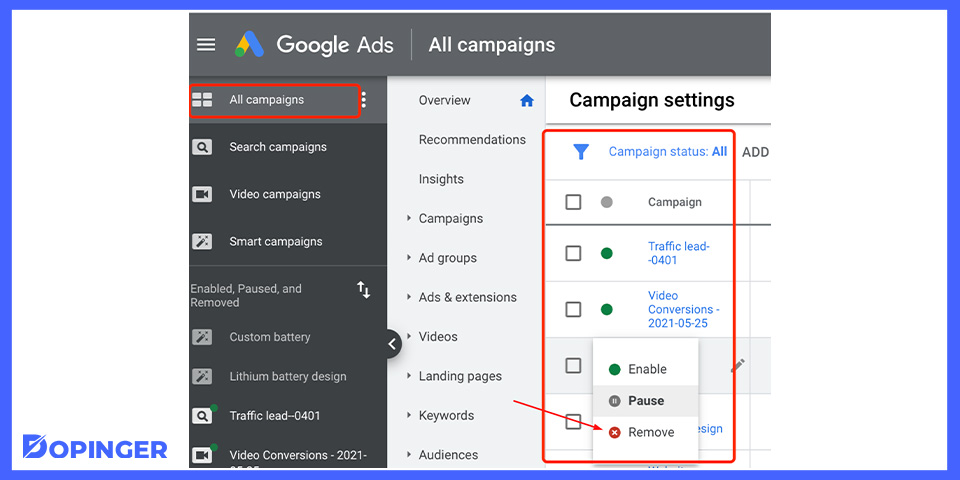 How to Stop Google Ads? (Pause & Remove Your Ads)
Also, check if you have an ad-blocker browser extension. These little digital bouncers sit at the door of every website and say, “Sorry, no ads allowed in here.” It’s the closest thing to using a force field against banner ads. Firefox and Brave are great for this.

