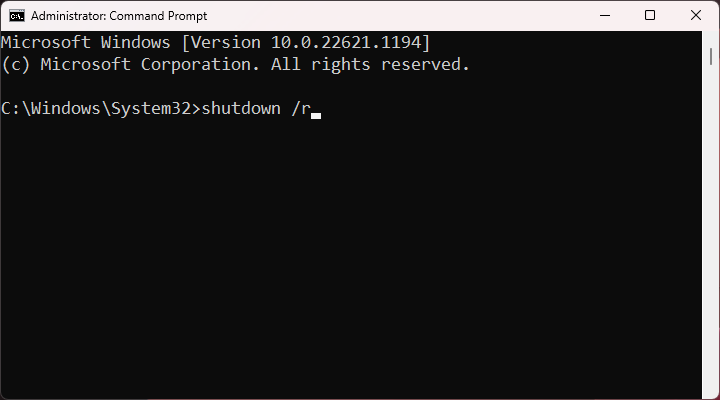
To get started, you'll need to open the Command Prompt. Don't worry, it's not as scary as it sounds! Just search for "cmd" in your computer's search bar and click on the result. Then, type in shutdown /r and press enter, it's like sending a secret code to your computer.
Now, here's where things get really interesting. You can actually customize the restart command to do all sorts of crazy things. Want to restart your computer after a specific time delay? No problem! Just add /t followed by the number of seconds you want to wait, and your computer will restart like clockwork.
But wait, there's more! You can even use the Command Prompt to restart your computer remotely. Yep, you read that right, remotely! It's like having a superpower, you can restart your computer from anywhere in the world, as long as you have an internet connection.

