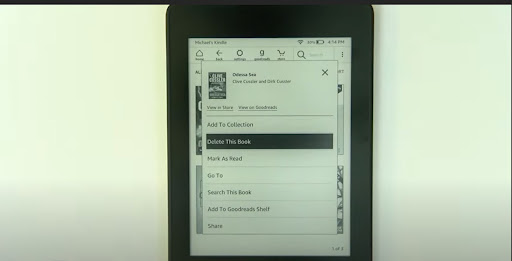
Can’t find your Kindle? Don’t panic. Use the Kindle app on your phone. It’s like having a tiny librarian in your pocket. Open the app and tap “Library” at the bottom.
Find the book you’re ready to evict. Tap the three little dots next to its title (the “More Options” button). A menu drops down. You’ll see “Remove from Library.” Tap it.
Boom. It vanishes from your app view. And if you want the full nuclear option (deleting from Amazon forever), you’ll still need that website step above. But for most of us, removing from device is enough.
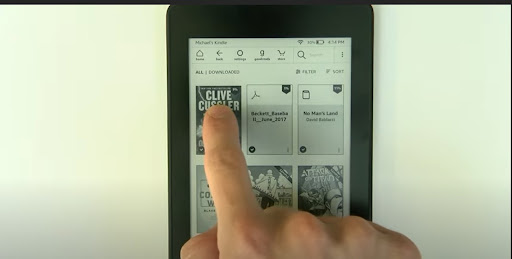 How to Remove Books From Kindle Library? | The WiredShopper

